AI Assistant
Your expert colleague, always available
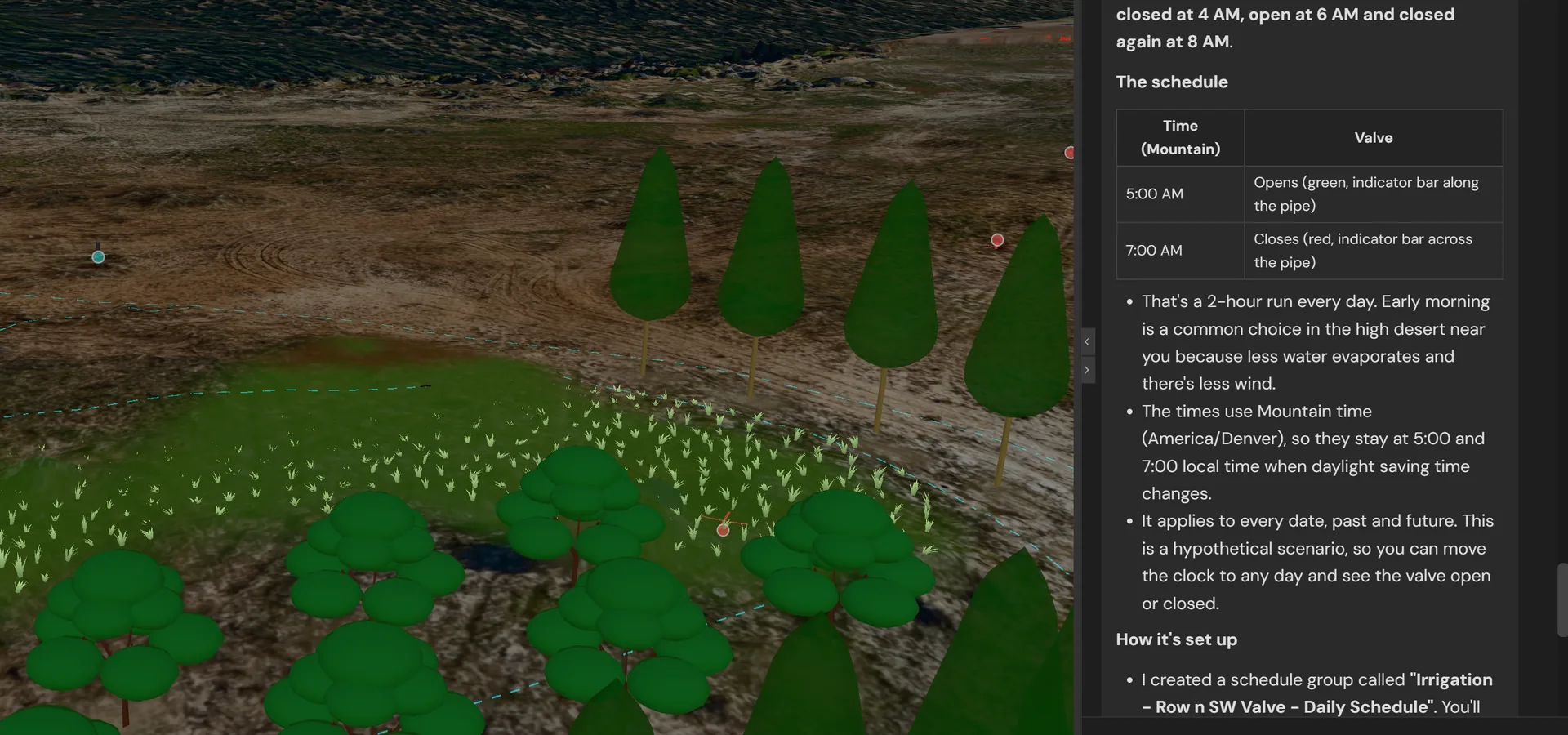
The Challenge
Site planning involves countless decisions, regulations, and calculations:
- Which septic system design meets county requirements?
- How much concrete do I need for this foundation?
- What's the optimal placement for solar panels?
- How do I query my site data to find specific entities?
Learning every tool and regulation takes years. Hiring experts for every question is expensive.
The SiteCAD Way
SiteCAD's AI assistant understands your site, your goals, and the tools available. Ask questions in plain English and get actionable answers. The assistant can query your database, select entities, propose changes, and explain regulations — all while respecting your control over final decisions.
How It Works
Ask
Type a question or describe what you want to accomplish
Context
The assistant automatically understands your current site, selection, and editing context
Tools
The AI can execute queries, select objects, and propose modifications
Approval
Mutations require your approval before execution
Learn
Conversation history helps the assistant understand your preferences
Example Conversations
"Select all entities within 50 meters of the well"
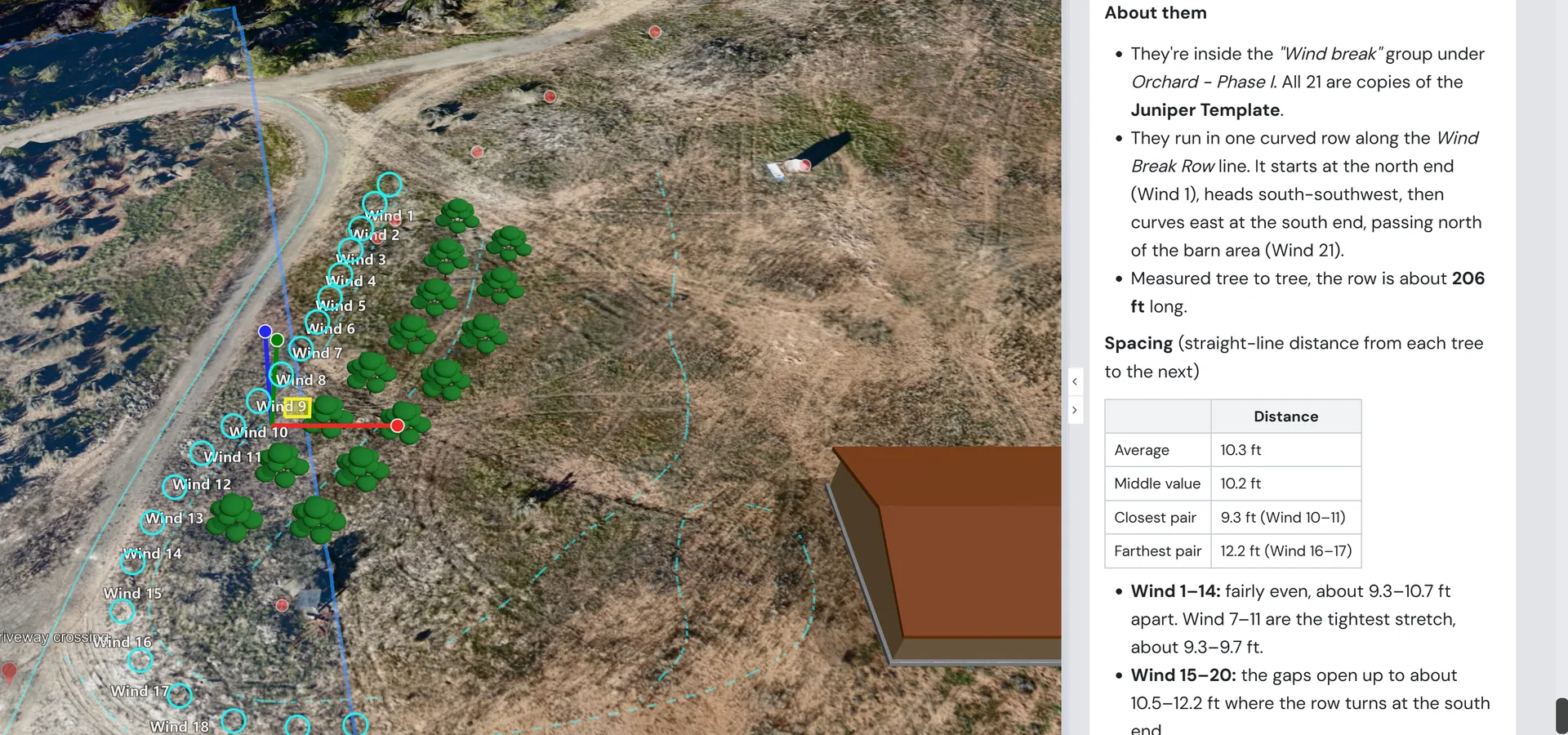
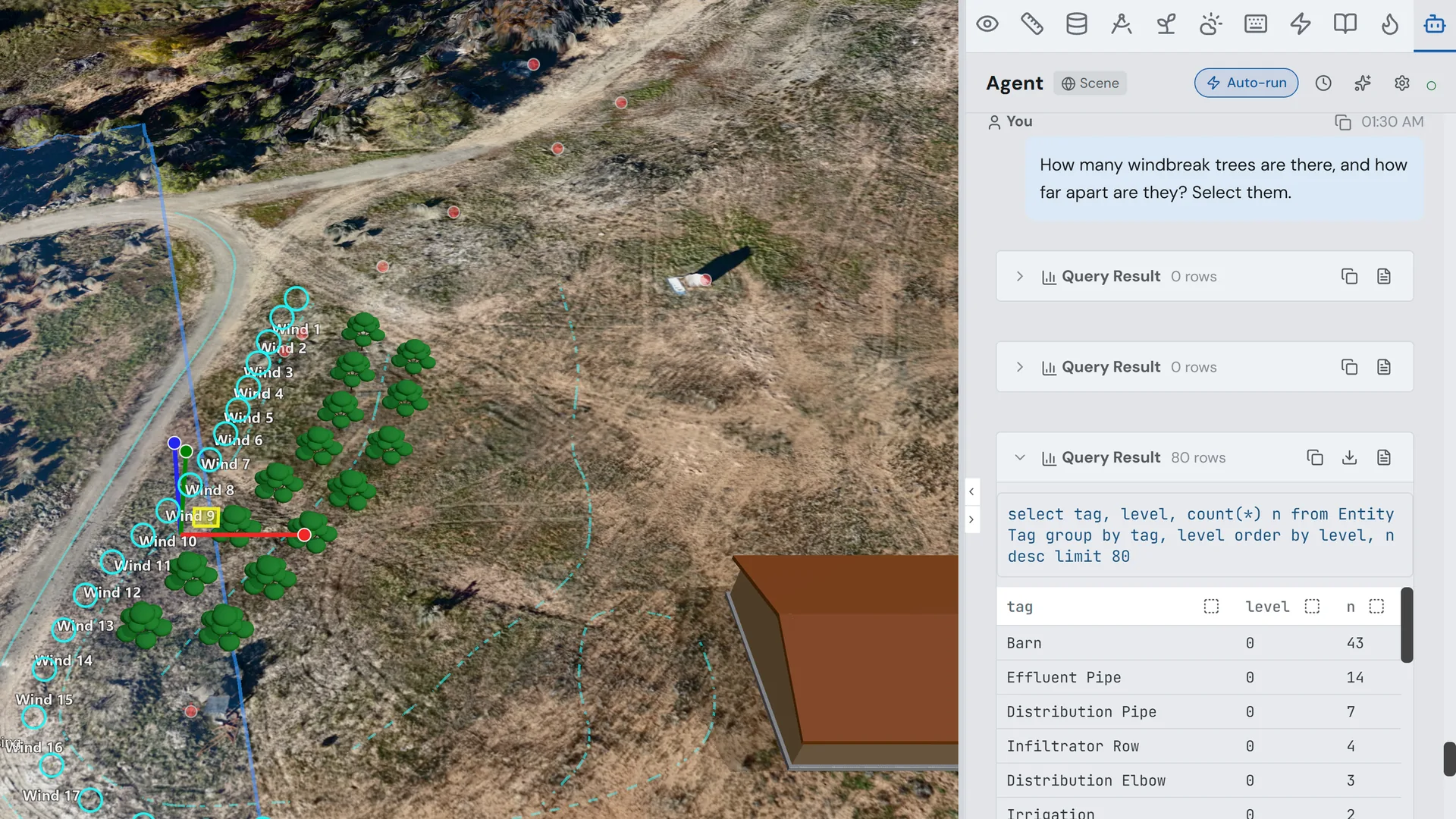
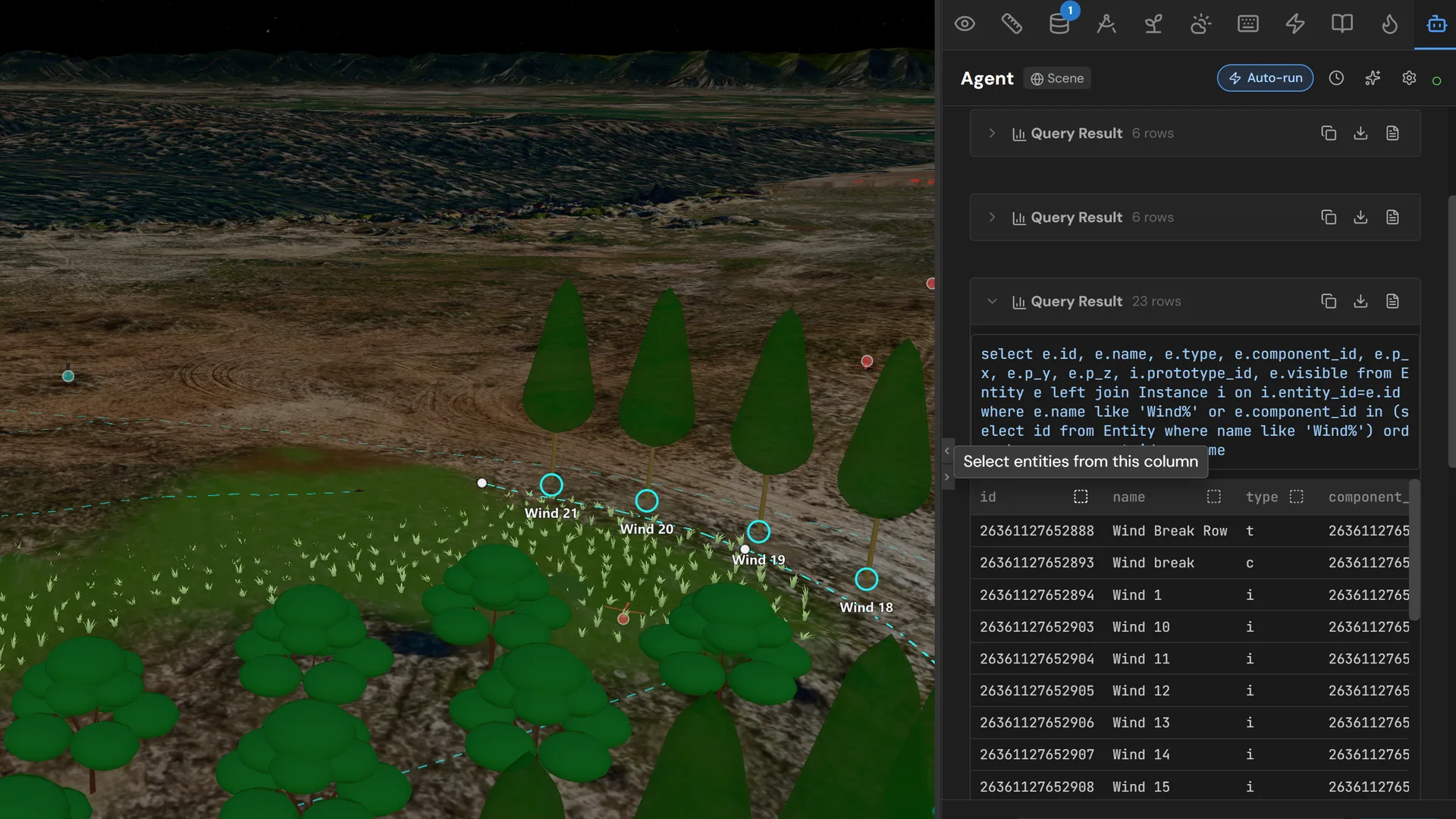
The assistant queries spatial relationships and highlights matching entities in the 3D view
Tool Output
selection 7 entities selected within 50m radius
2 meshes, 3 structures, 1 trace, 1 boundary
"How much earth am I moving on this layer?"
Executes a SQL query over the layer's edited terrain and presents cut and fill volumes
SQL Result
SELECT name, area_m2 FROM entities WHERE type = 'terrain' | name | area_m2 |
|---|---|
| North field | 2,450 |
| South pasture | 3,120 |
| Garden | 180 |
| Total: 5,750 m2 | |
"Design a 1000-gallon septic tank that fits in this space"
Generates parametric solid code with appropriate dimensions and materials
Generated Code
export function main({ width, length, depth }) {
  const tank = draw()
    .hLine(width).vLine(length)
    .hLine(-width).close()
    .sketchOnPlane("XY").extrude(depth);
  return { shape: tank, material: "concrete" };
}
// parameters: width=1.52m, length=2.44m, depth=1.37m
"What setback requirements apply to structures in this county?"
Searches web for local regulations and summarizes relevant requirements
Web Search
regulation Found 3 relevant setback rules
Front: 25ft, Side: 10ft, Rear: 20ft (residential zone R-1)
Key Capabilities
Context-Aware
Knows your site, current selection, and what you're editing
SQL Tools
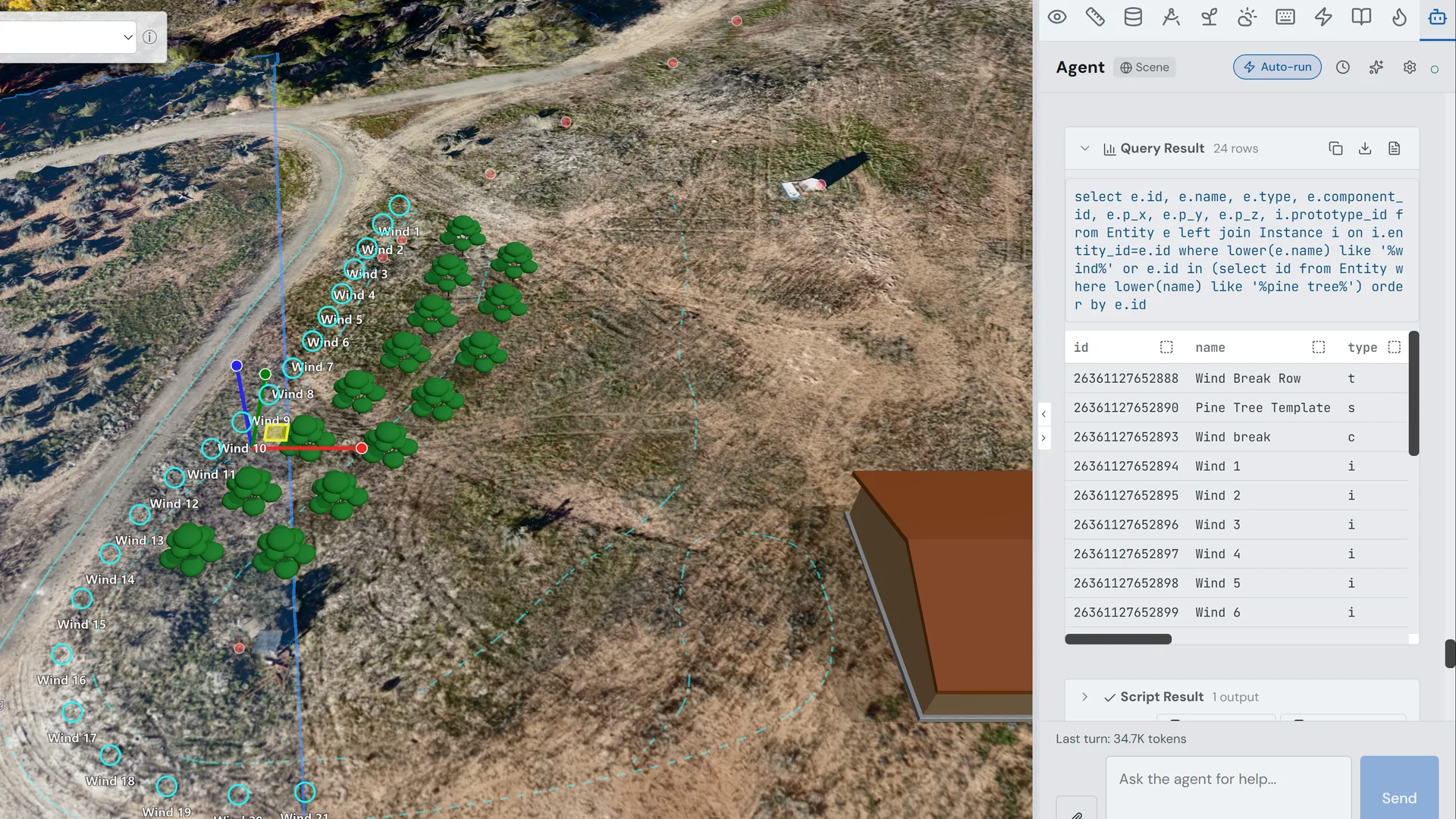
Executes read-only queries; mutations require approval
Entity Selection
Highlights objects in the 3D view based on query results
Code Generation
Helps write solid definitions and operations
Web Search
Can look up regulations, materials, and techniques
Approval Workflow
Protected changes require explicit user consent
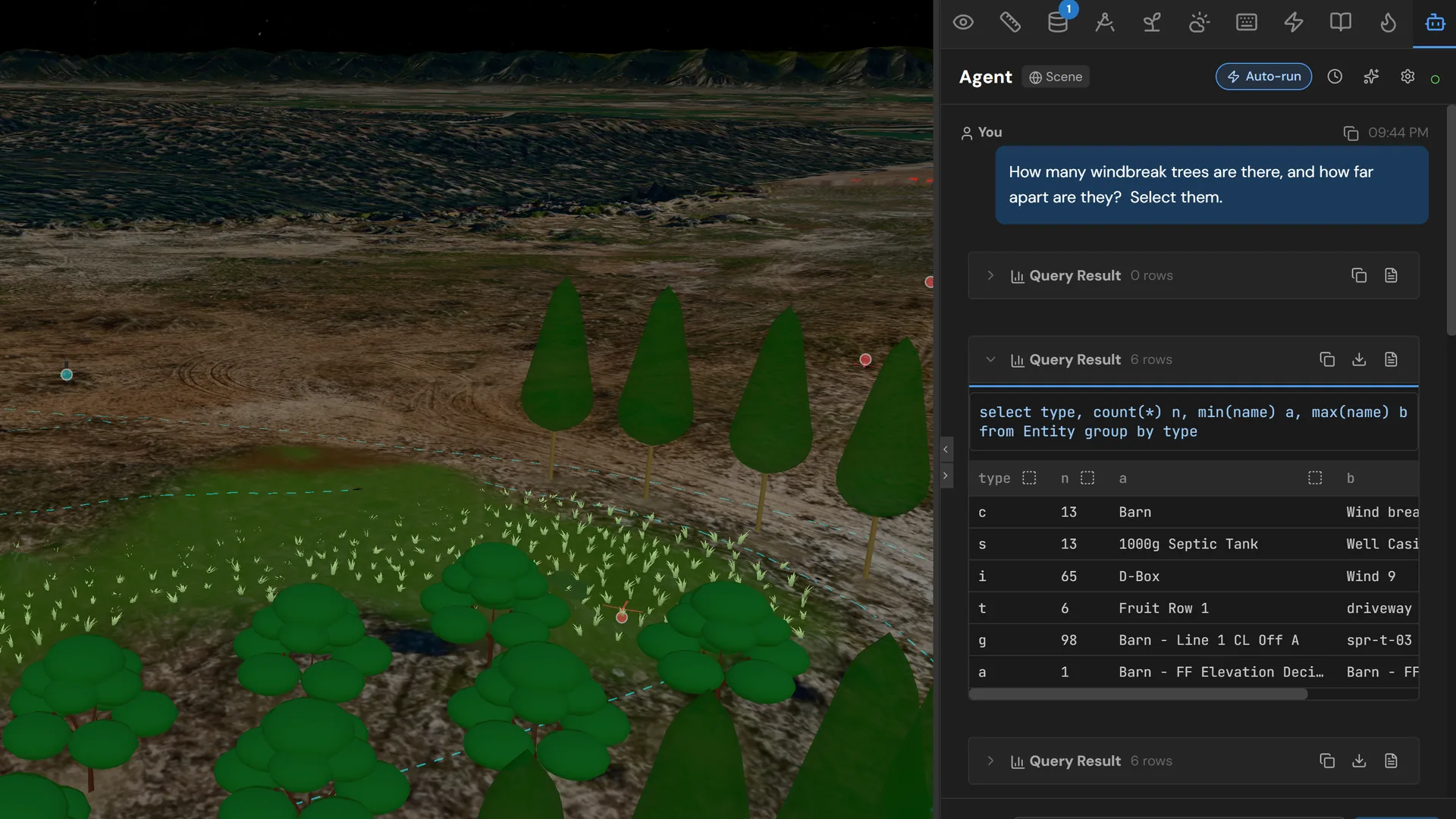
SQL Query + Results
Entity Selection
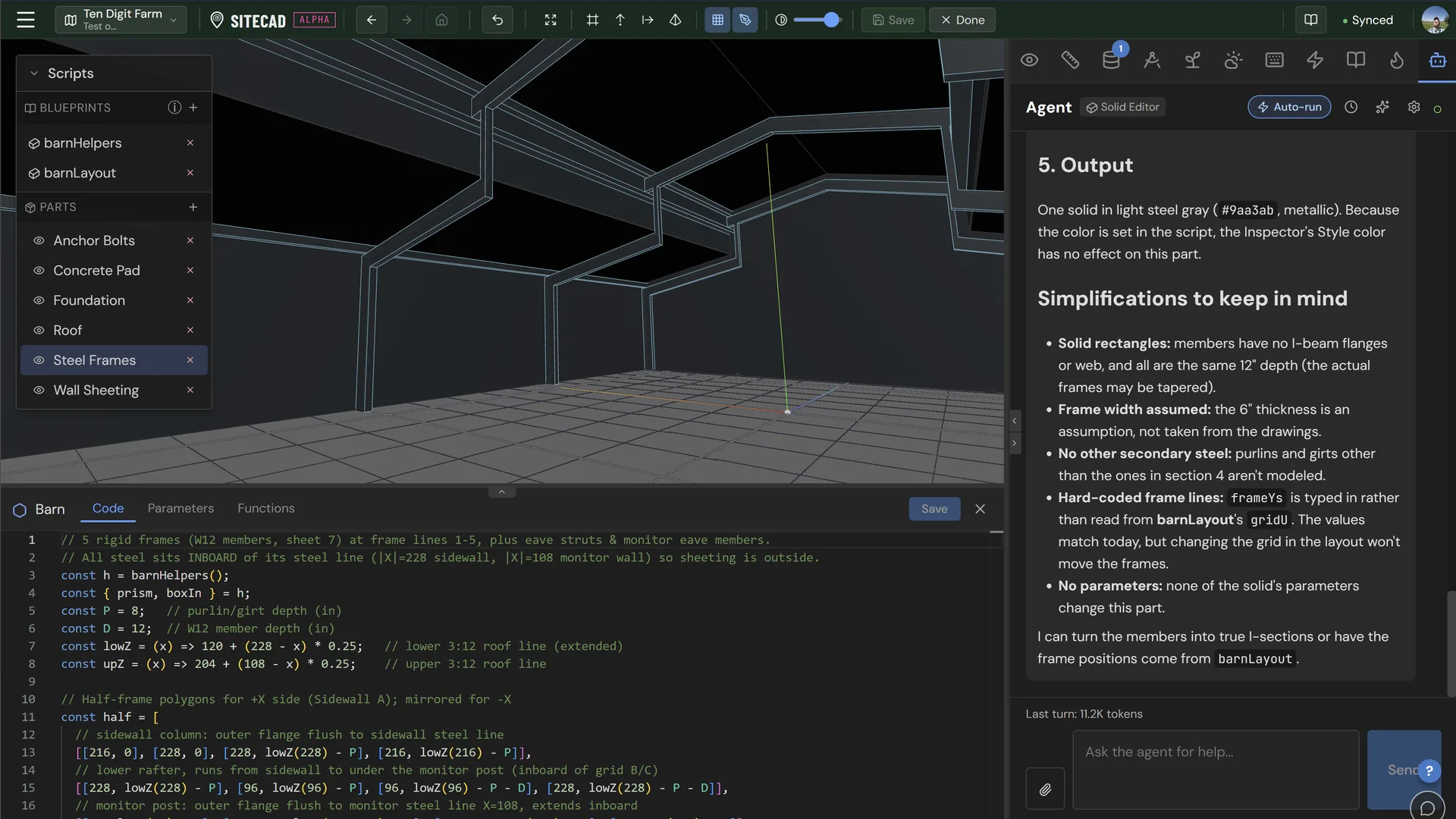
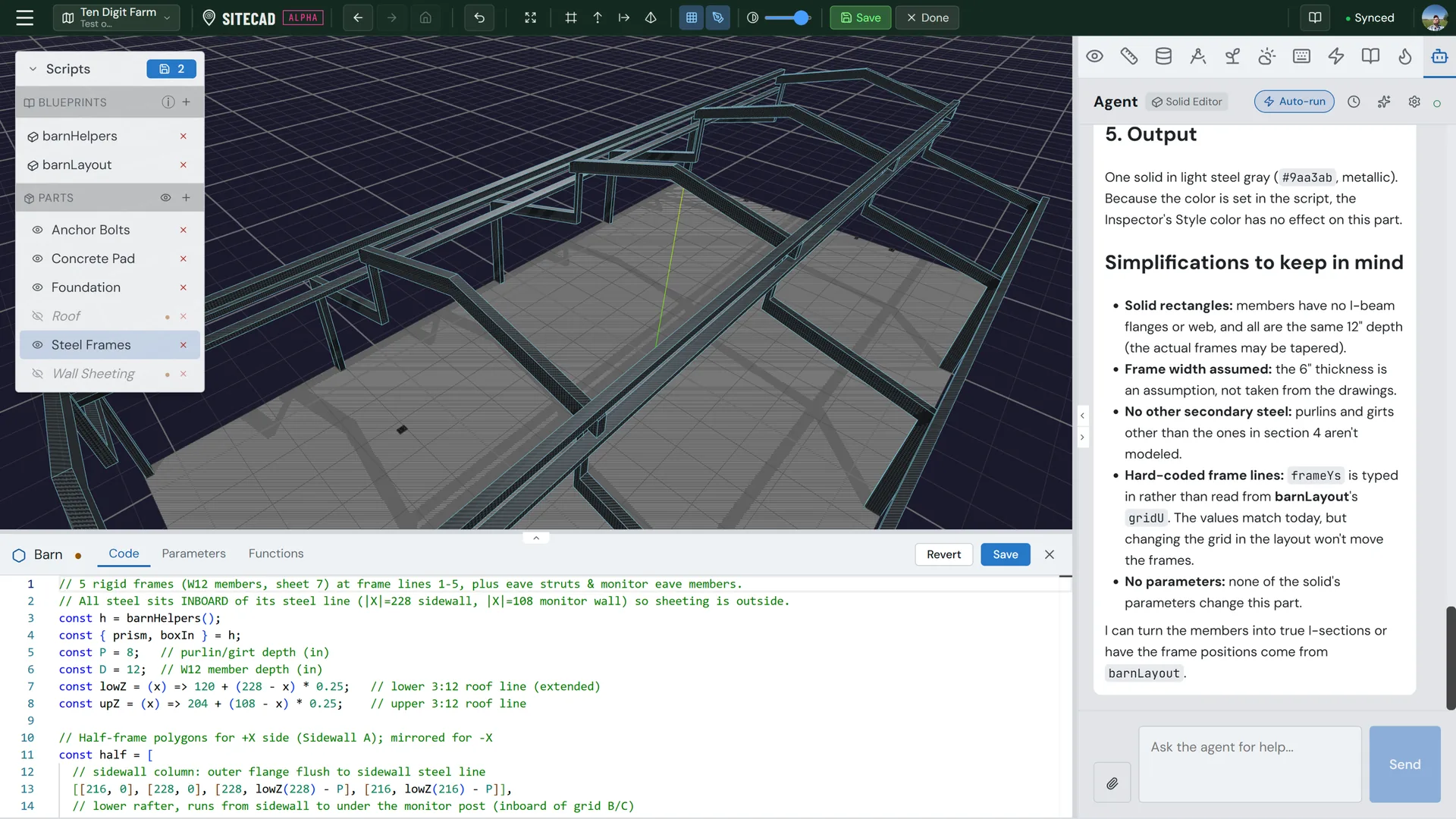
Code Generation
Under the Hood
Database-Native
The AI reads the same SQL tables you can query manually — entities, dynamics, properties, and relationships are all accessible.
Tool Execution
Read-only queries auto-execute for fast answers. Mutations (inserts, updates, deletes) require your explicit approval before running.
Context-Aware
The AI receives your current selection, active scenario, and editing mode — so it always understands what you're working on.
Extensible
Plugins can register additional tools for the AI to use, extending its capabilities for domain-specific workflows.
Safety & Control
Important: AI-assisted features may produce inaccurate or incomplete results. Always verify recommendations, calculations, and regulatory guidance independently. SiteCAD is not a substitute for professional engineering, surveying, or legal advice. We are not liable for any actions taken based on AI-generated content.
- Read-only queries run automatically
- Mutations require explicit approval
- You can always edit or reject proposed changes
- Conversation history stays local (not synced to cloud)
Who Uses This
| Everyone | Get answers without leaving the editor |
|---|---|
| Newcomers | Learn the tools through guided conversation |
| Power Users | Automate complex queries and batch operations |
| Designers | Get help with solid code and material specifications |
Works with Dynamics Coming Soon
Ask the AI about your sensor data. "What was the average soil moisture last week?" queries your dynamics database directly.
Explore Dynamics & Sensors →Try the AI Assistant
Open the AI chat panel and ask a question about your site. Try "Show me all entities taller than 3 meters."